




Quick answer: llms.txt is a plain-text Markdown file at the root of your website (yoursite.com/llms.txt) that gives AI tools a short summary of who you are and links to your most important pages. It is optional and cheap to add. But no major AI platform has confirmed that it uses the file, so treat it as a low-cost extra, not a ranking fix.
AI assistants such as ChatGPT, Perplexity and Google's AI Overviews now answer many of the questions your buyers used to type into Google. So it is fair to ask whether one small file can help them understand your business. That file is llms.txt.
In this guide we explain what llms.txt is, show the real file we publish on aisinnovate.com, share what Google and independent tests say about it, and walk you through creating one in five steps.
In This Article
What is llms.txt?
llms.txt is a proposed web standard: a Markdown file that tells large language models (LLMs) and AI agents what a website is about and where its key information lives. Jeremy Howard of Answer.AI first published the proposal on 3 September 2024 and released version 2 in August 2026.
The idea is simple. Web pages are built for people, with menus, scripts and ads wrapped around the actual content. An AI tool reading your site has to strip all of that away, and it can only hold a limited amount of text at once. llms.txt gives it a clean, short map instead: one file with a summary and a curated list of links.
The file sits at the root of the site, next to robots.txt and sitemap.xml. Under version 2 of the proposal, a file can also sit in a sub-folder (for example /docs/llms.txt) and cover only the pages under that folder.
What does an llms.txt file look like?
An llms.txt file is ordinary Markdown with a fixed order of parts. Only the first part is required.
The parts of the file
| Part | Required? | What it holds |
|---|---|---|
| H1 heading (#) | Yes | The name of the site or project |
| Blockquote (>) | No | A short summary with the key facts an AI tool needs |
| Details | No | Paragraphs or lists with more context (no headings) |
| H2 sections with link lists (##) | No | Links in the form [Page name](URL): short note |
| "Optional" section | No | Secondary links an AI tool can skip when it needs a shorter read |
The proposal also suggests offering clean Markdown copies of important pages (for example page.html.md), so the links in llms.txt point to text that AI tools can read easily.
A real example: aisinnovate.com/llms.txt
We publish our own file at aisinnovate.com/llms.txt. This is how it starts:
# AIS Innovate

> AIS Innovate is a creative branding and digital marketing agency serving clients across India, UK, USA, Canada, and UAE — specialising in AI-powered SEO, GEO, paid media, content, and web design.

## Key facts

- Organisation: AIS Innovate
- Offices: Ahmedabad, Gujarat (IN) · Pacifica, CA (US) · Edmonton, AB (CA) · Lawers (GB)
- Areas served: India, United Kingdom, United States, Canada, United Arab Emirates

## Services

- [AI-Powered Digital Marketing Services](https://www.aisinnovate.com/ai-digital-marketing-services): AI-powered digital marketing services that drive real results. …
Below that, the file has sections for our services, dedicated hiring, company pages, portfolio, blog, how to cite us, and an Optional section. Three choices we made that you can copy:
- Facts first. The summary and the "Key facts" list hold the facts an AI tool most needs to get right about a business: what we do, where our offices are and which countries we serve.
- One line per page. Every link has a short note, so an AI tool can pick the right page without opening all of them.
- Built automatically. Our site build regenerates the file every time the site is built, so new pages and changed descriptions never fall out of date.
llms.txt vs robots.txt vs sitemap.xml
These three files sit side by side but do different jobs: robots.txt controls access, sitemap.xml lists pages for search engines, and llms.txt explains your site to AI tools.
| File | Who reads it | What it does | Controls access? |
|---|---|---|---|
| robots.txt | Search engine and AI crawlers | Says which bots may crawl which parts of the site | Yes |
| sitemap.xml | Search engines | Lists the pages you want indexed | No |
| llms.txt | AI assistants and agents | Gives a short, curated summary and the key links | No |
The key point: llms.txt cannot block or allow anything. Deciding which AI bots may visit your site happens in robots.txt. On aisinnovate.com, for example, robots.txt allows AI bots such as GPTBot, OAI-SearchBot, ClaudeBot and PerplexityBot, plus Google's Google-Extended setting, and blocks bulk scrapers such as CCBot and Bytespider.
Does llms.txt help SEO or AI visibility?
Not in any way that has been proven yet. No major AI platform has confirmed that it reads llms.txt when it answers questions.
What Google has said
In June 2025, Google's John Mueller said on Bluesky that AI systems are not using llms.txt. For Google Search, your pages themselves still do the work.
What the tests show
Semrush added an llms.txt file to its sister site Search Engine Land in March 2025 and tracked the results. It found no link between the file and better performance in AI answers. Its server logs from mid-August to late October 2025 showed zero visits to the file from GPTBot, ClaudeBot, PerplexityBot or Google-Extended.
Why sites still publish one
Adoption is growing anyway. About 951 domains had an llms.txt file in July 2025; by September 2026 the count was 16,670, according to NerdyData figures reported by Semrush. A few signals explain why:
- The AI companies use it themselves. OpenAI, Anthropic and Google's Gemini team publish llms.txt files for their own developer documentation.
- Google's Lighthouse checks for it. Lighthouse, Google's site-audit tool, has an experimental "agentic browsing" check for llms.txt. A missing file is marked "not applicable", while a file that returns a server error is flagged. Semrush notes this check is not proof that Google's crawlers use the file.
- AI agents are the real audience. The proposal was written mainly for AI tools that read a site while helping a user, not for search engine rankings.
Our view: an llms.txt file takes little time to set up and almost nothing to keep. Add one if it suits your site, but don't expect rankings or AI citations to change because of it.
Does your website need llms.txt?
Most business websites don't need one, but many can add one at low cost. Use this table to decide.
| Your site | Our advice | Why |
|---|---|---|
| Software or API documentation | Add one | Coding assistants and agents use these files most |
| Service business or agency site | Optional, low cost | A clear summary of services, locations and key pages helps the AI tools that do visit |
| Ecommerce store with many products | Optional, keep it short | List categories and key policies (shipping, returns), not every product |
| Small site with a few pages | Skip for now | Clear pages and a good About page do the same job |
How to create an llms.txt file in 5 steps
- Pick your key pages. Choose the pages that best explain your business: services, pricing, about, contact and your most useful guides. Leave out tag pages, thin pages and anything you would not want quoted.
- Write the summary. Start with an H1 of your business name, then a one- or two-sentence blockquote that says what you do, for whom and where. Add a short "Key facts" list.
- Group the links. Add H2 sections (for example Services, Company, Guides) and list each page as [Page name](URL): one-sentence description. Put secondary pages under ## Optional.
- Publish it at the root. Save the file as llms.txt in plain text (UTF-8) and upload it so it opens at yourdomain.com/llms.txt. Check that it loads normally: Lighthouse flags a file that returns a server error.
- Keep it current. Update the file when you add or remove pages, or generate it automatically with your site build, as we do.
Common llms.txt mistakes
- Expecting it to fix rankings. It won't. Fix the pages first.
- Using it to block AI bots. It can't. Use robots.txt.
- Listing everything. Your sitemap already does that. The proposal says the file should stay small enough for an AI tool to read in one go.
- Letting it go stale. Dead links and old prices teach AI tools the wrong facts about you.
- Saying different things in different places. If your llms.txt, your About page and your business profiles disagree, AI tools may repeat the wrong version.
What matters more for AI visibility than llms.txt
AI assistants quote pages that answer questions clearly and that other sites trust. These steps matter more than llms.txt:
- Answer first. Open each section with a direct one- or two-sentence answer, then the detail.
- Let the right bots in. Check that robots.txt allows the AI crawlers you want to be cited by.
- Use structured data. Organization, Article and FAQ schema help machines read who you are and what a page covers.
- Earn mentions. Reviews, directory profiles and press coverage on other sites give AI tools independent sources about your brand.
- Keep facts consistent everywhere your business appears online.
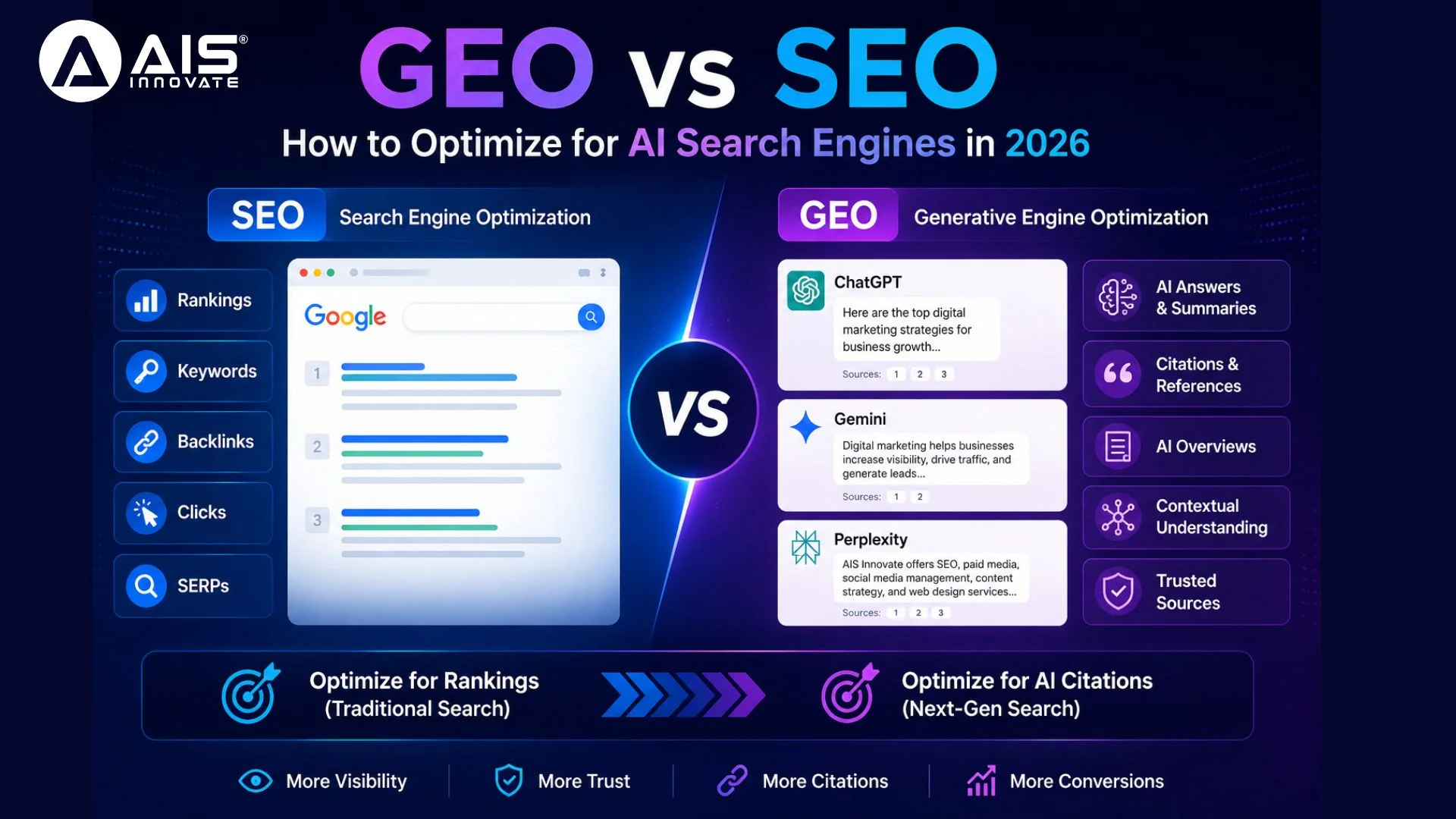
We cover these in more depth in our guides to GEO vs SEO and AEO for social media.
LET'S DISCUSS YOUR IDEAS
Want AI tools to describe your business correctly? AIS Innovate's in-house team builds AEO- and GEO-ready content and technical SEO for Google, AI Overviews, ChatGPT, Gemini and Perplexity, backed by 20+ years in business. Explore our AI-powered SEO and GEO services or talk to our team.
Talk to our teamSources: llmstxt.org, "The /llms.txt file, v2" (Jeremy Howard, modified 10 August 2026); Chrome for Developers, Lighthouse "llms.txt" audit (updated 5 May 2026); Semrush, "What is llms.txt & should you use it?".
 9 June 2026